
On the POS
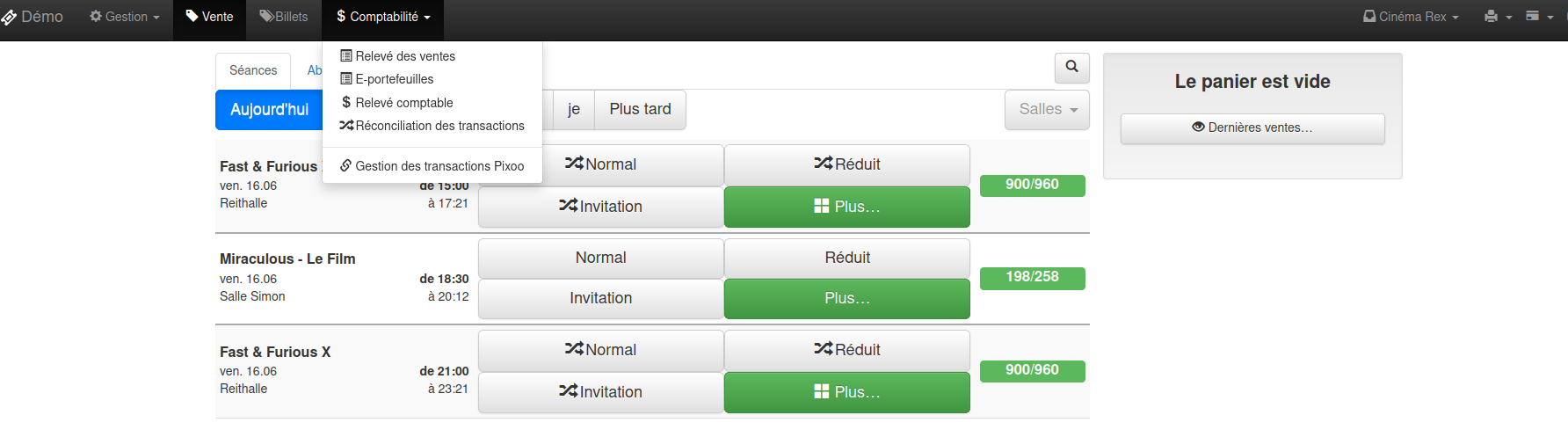
When the cart is empty, tap Last sales.
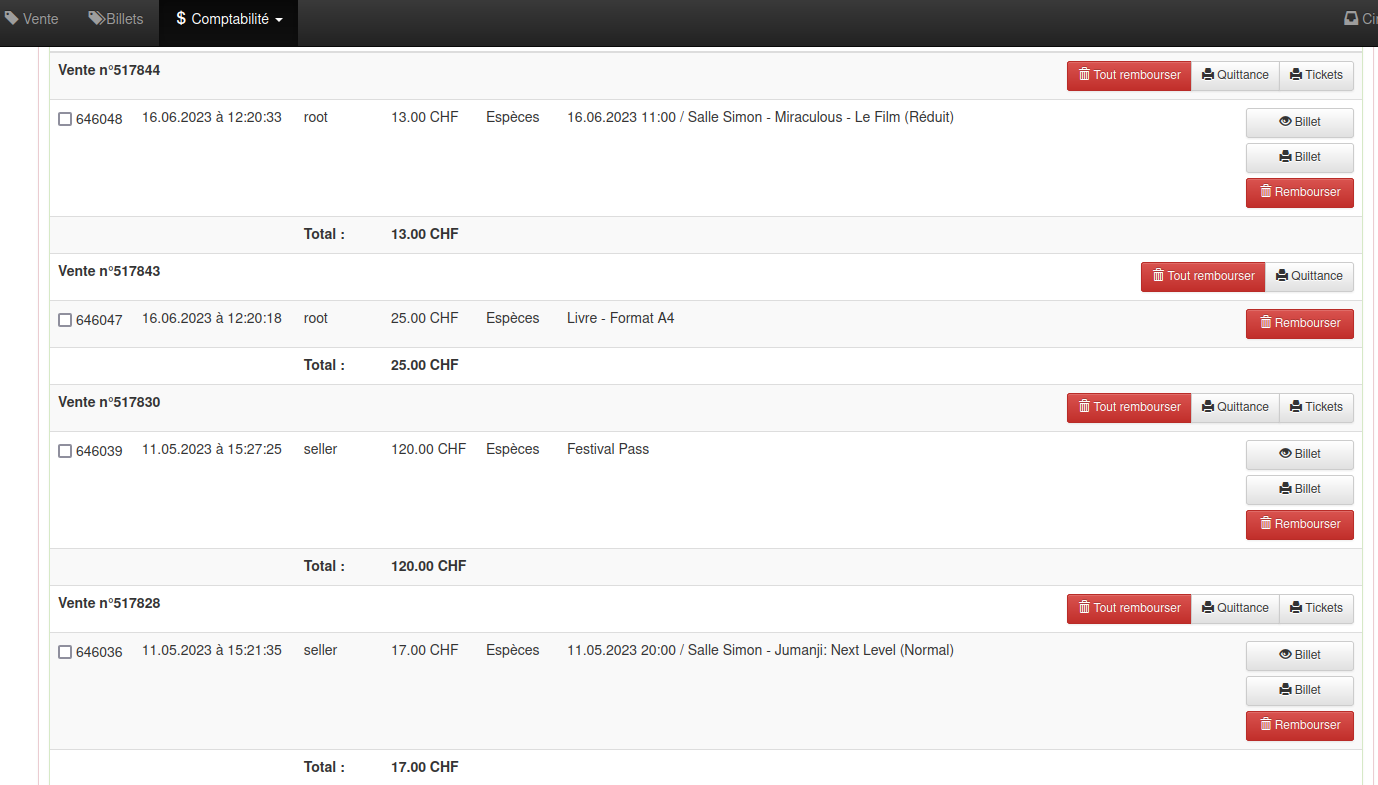
In Sale details, find the sale to refund. Two options:
- Refund a single item — Refund button on the relevant line, then choose the refund method (cash or original payment method).

- Refund the whole sale — Refund all button above the sale number, then confirm the refund method.

What happens next depends on the payment method used for the sale (see below).
Electronic transactions
Online sale (Proxypay)
For a sale paid online by card, the refund is handled by Net Oxygen through the Proxypay payment gateway. From the till, start the refund and choose Proxypay: the request is sent automatically. The credit to the customer’s card may take about one business week.
Integrated payment terminals (EFT, Twint)
For a sale paid with an integrated terminal (ZVT EFT or Twint), start the refund from the till using the original payment method.
When refunding a sale paid with an integrated EFT terminal, Ticketack asks:
Have you completed the refund on the payment terminal (void or credit on the customer’s card)?
- Customer present — Yes (recommended): first void or credit on the physical terminal, then confirm in Ticketack. See also the payment terminal refund documentation.
- Customer absent — No: If you click No, a request will be sent to your acquirer. Net Oxygen then attempts the refund via Proxypay. This may take about one business week.
For Twint, the refund is usually triggered automatically via Proxypay when you confirm the refund from the till.
SumUp payment terminal
For a sale paid with SumUp, start the refund from the till: accounting and the refund request are handled automatically. Nothing else to do on the operator side once the refund is confirmed in Ticketack.
All other payment terminals
For a sale paid with a manual EFT terminal or any other terminal not integrated with Ticketack, you must refund on the customer’s card or handle it directly with your acquirer. Net Oxygen and Ticketack do not handle this.
Follow the payment terminal refund documentation for the device procedure.


