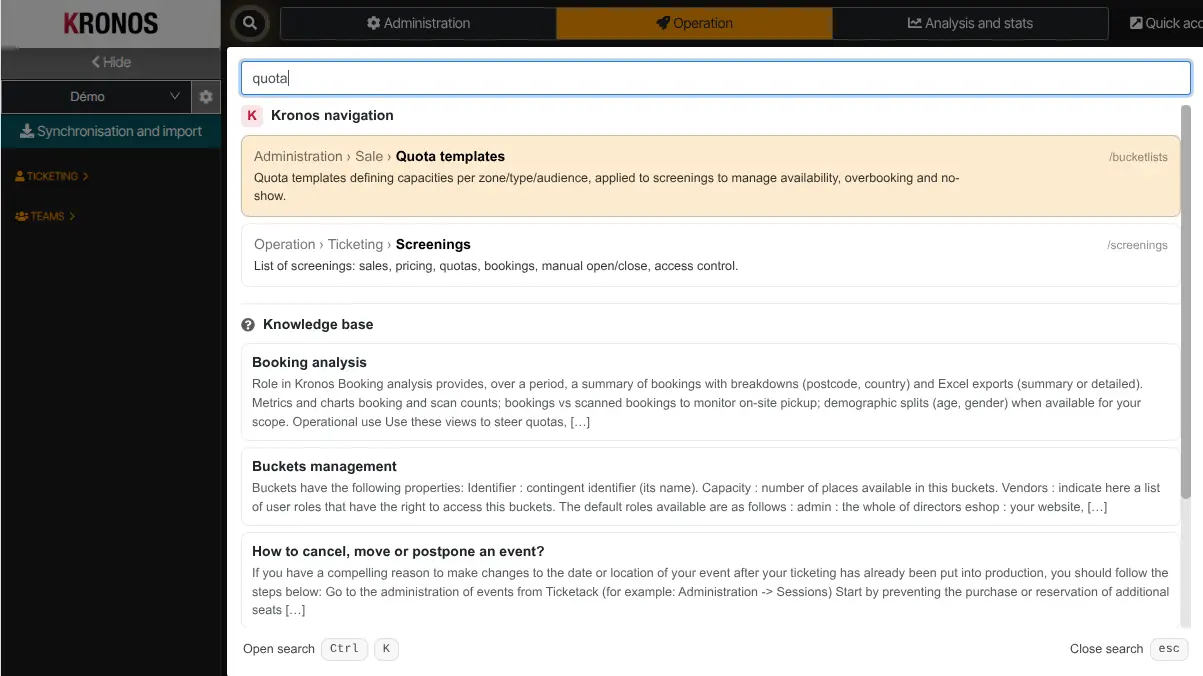
Quick search (the command palette) lets you quickly open a Kronos page or a knowledge base match.
Open the palette
- click the search icon (🔍) in the top bar; or
- press Ctrl+K (Windows/Linux) or Cmd+K (macOS).
How to use it
- type a few characters of the screen name or article;
- move with ↑ / ↓;
- press Enter to open the highlighted item;
- Esc closes the palette.
When knowledge base hits are available you can preview them from the same dialog.