
Connecting to your Kronos management interface
1. Open your web browser and enter the following address: {KRONOS_ROOT}

2. Enter your login credentials (email address and password), then click the "Connection" button.

Lost or forgotten password
1. If you do not know or no longer remember your password, open the Kronos login page (/) and use the "Forgot password?" link below the form.
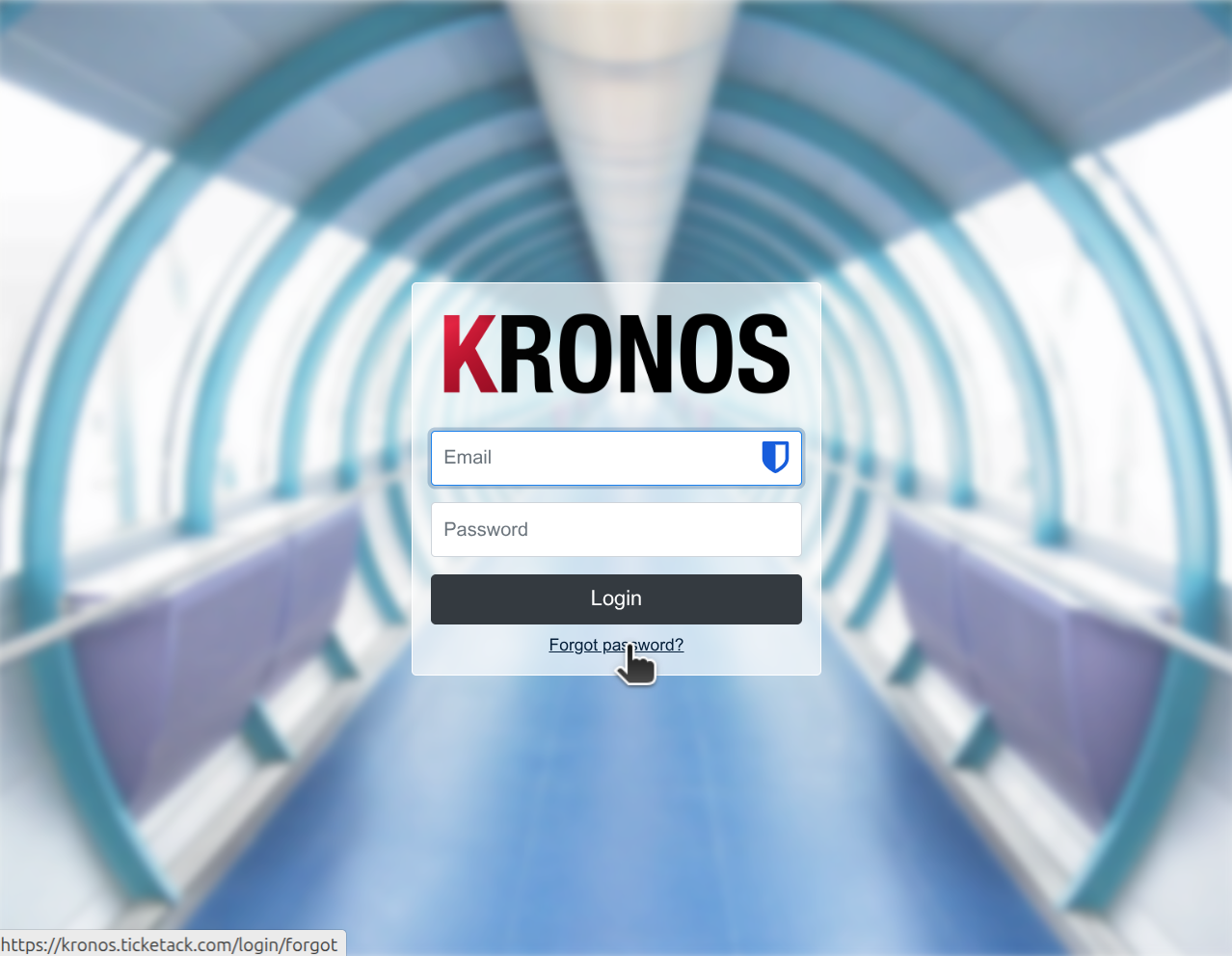
2. Enter your email address in the new form and click the "Send link" button.
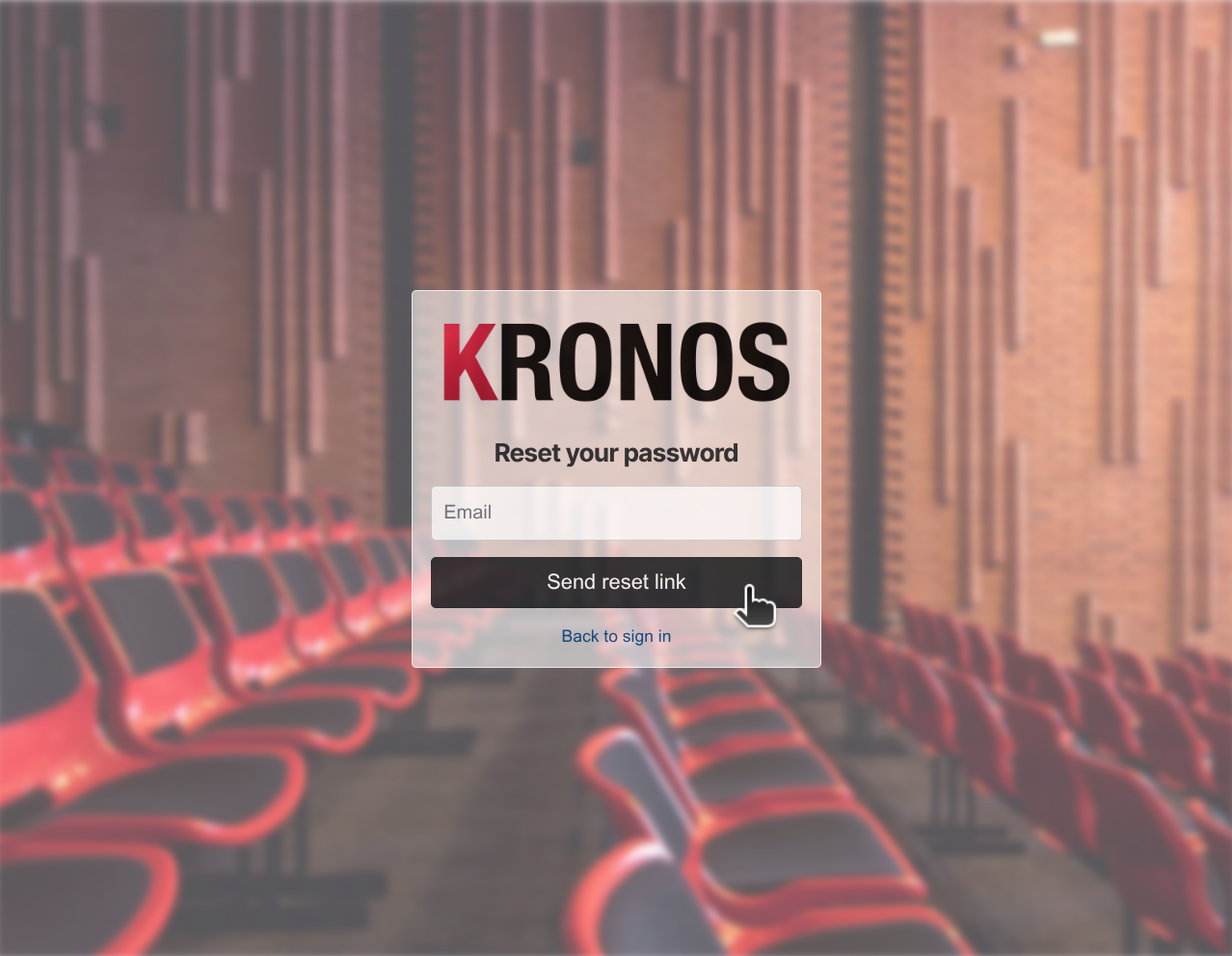
3. If an account exists for that email address, you will shortly receive a message with instructions to set a new password. Never share the link or code you receive with anyone else. If you cannot find the email, check your spam folder.


