This article explains how to open the cash desk / box office interface in a web browser, without dedicated hardware.
Access from a computer
You can reach the box office sales interface from any computer with an Internet connection and a current web browser. We recommend Google Chrome or Chromium for best compatibility; other browsers usually work if they are kept up to date.
This is especially useful before hardware is delivered for testing and to get used to the sales and booking interface.
Signing in
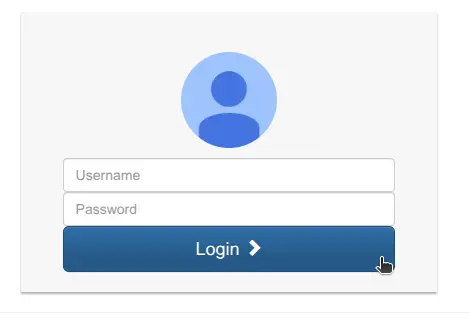
Open https://xxx.ticketack.com/user/login (replace xxx with your ticketing site prefix) and sign in with the credentials provided by Net Oxygen or your ticketing manager.